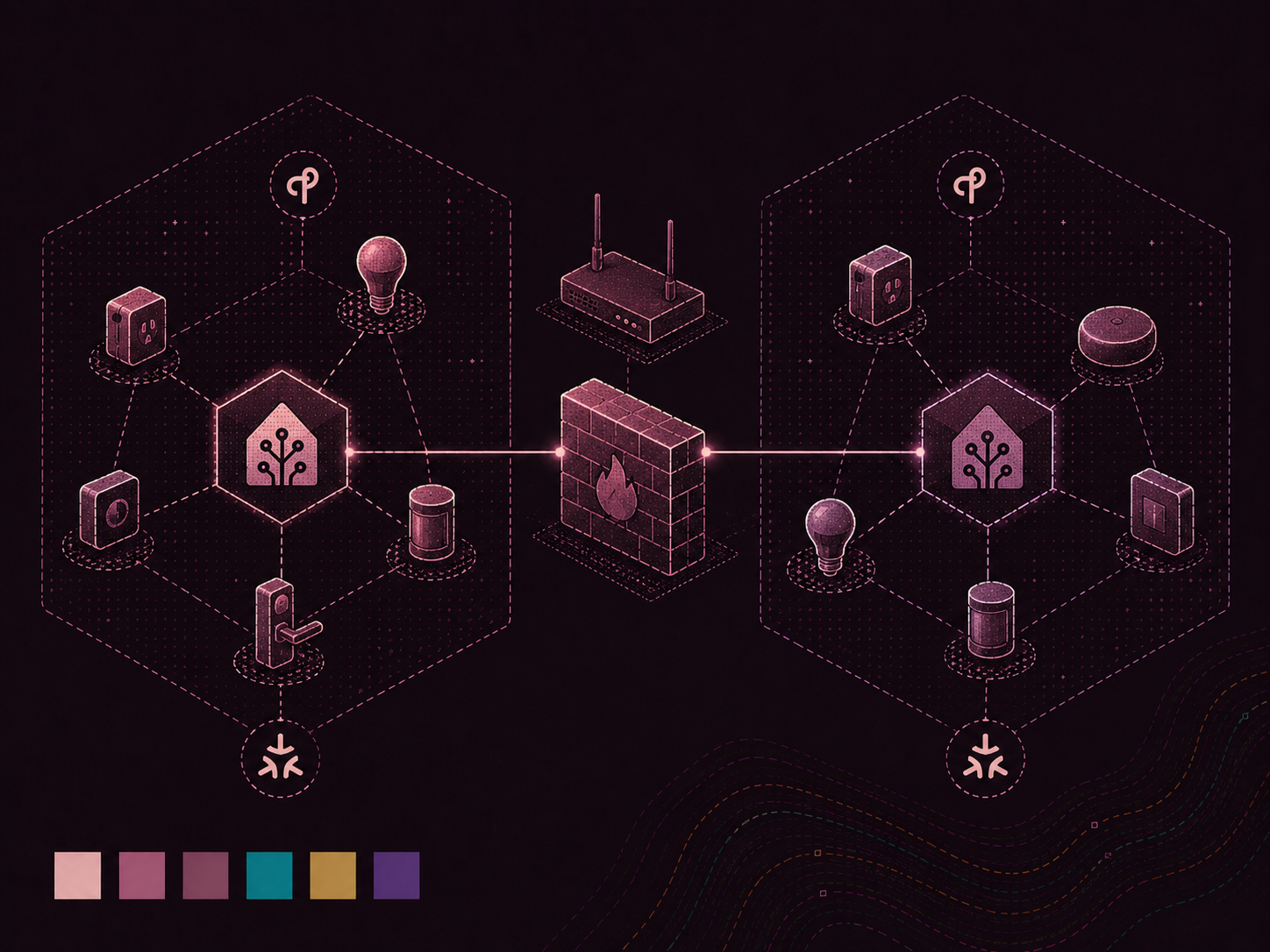

Most "get Thread/Matter working with Home Assistant" guides end with the same shrug: "just put all your IoT stuff on the same VLAN as Home Assistant." It works, and it is probably easier. It also defeats the reason I segment my network in the first place. My smart home gear is exactly the pile of cheap, chatty, questionably updated devices I want to keep away from my main LAN.
So I did the annoying thing and made it work across VLANs. This is the post I wish I had while staring at OPNsense firewall logs at midnight. If your Matter device sits forever on "checking connectivity to thread network…" before failing, you have probably hit the same problem I did.
Fair warning: this is not a polished tutorial, but more like a first-hand troubleshooting log. It assumes you're already comfortable with VLANs, IPv6, and a firewall. If not, the single-VLAN approach is easier.
The setup#
The relevant parts of my network:
- OPNsense doing inter-VLAN routing and firewalling.
- Home Assistant OS (HAOS) running the built-in OpenThread Border Router (OTBR) add-on, living on my NAS VLAN.
- The phone I commission new devices with is on the AP/WiFi VLAN; a different subnet from the OTBR.
- A Thread radio attached to the HAOS box, and a handful of already-working Thread devices.
The key detail is that the commissioner (phone) and border router are on different VLANs. Everything else follows from that.
Why this is genuinely hard#
Two things about Thread/Matter make cross-VLAN a pain:
1. Discovery uses mDNS, which is link-local multicast. During commissioning, the phone looks for the border router and the device's operational endpoint through multicast DNS, such as _meshcop._udp, _matterc._udp, and _matter._tcp over ff02::fb. Multicast does not cross a VLAN boundary on its own, so the phone on VLAN A never hears the OTBR on VLAN B.
2. Thread's operational addresses are usually a ULA (Unique Local Address), typically a fd… prefix. The OTBR hands the mesh an "OMR" (Off-Mesh-Routable) prefix. Unless it has a globally routable prefix to work with, the OMR is a ULA such as fd01:7e50:6f0d:1::/64. That creates two problems:
- Your router won't route to it unless you tell it to (it learns nothing useful from the OTBR's Router Advertisements, because on your LAN interfaces your router is the router and ignores downstream router advertisements (RAs)).
- Android, in my experience, refuses to route to a ULA off-link on its own. The packets just never leave the phone. No error, no firewall hit. This one cost me hours.
To commission a device, the phone needs to both discover the other VLAN's gear through mDNS and reach its operational IPv6 address through routing and firewall rules. Miss one piece and it fails silently at a different stage. There is no useful single error message. Trace the packet.
The five pieces#
These are the pieces that had to be in place. I'll use my prefixes and interfaces as examples. The Android device had a SLAAC IPv6 address in the AP subnet (dd01), and the NAS / Home Assistant VM had one in the NAS subnet (dd02).
| VLAN | Prefix | Role |
|---|---|---|
| AP (phone) | 2a03:…:dd01::/64 | commissioner |
| NAS (OTBR) | 2a03:…:dd02::/64 | border router / Home Assistant |
| Thread OMR | fd01:7e50:6f0d:1::/64 | the mesh's operational prefix (ULA) |
1. Reflect mDNS between the two VLANs#
This is the discovery half, and there is bad news for OPNsense users. There is no plugin I could find that repeats IPv6 mDNS. The existing options are all IPv4-only. os-mdns-repeater and os-udpbroadcastrelay will not carry the IPv6 mDNS that Matter/Thread uses, and the old os-avahi plugin was removed from the repository. OPNsense itself cannot do it.
I used a tiny Avahi reflector in its own container, with one NIC on each VLAN. Mine is an unprivileged Proxmox LXC with 1GB of RAM and nothing fancy: one interface bridged onto the AP VLAN and another onto the NAS VLAN.
/etc/avahi/avahi-daemon.conf:
[server]
use-ipv4=yes
use-ipv6=yes
allow-interfaces=eth1,eth2   # your two VLAN legs

[reflector]
enable-reflector=yes

[publish]
publish-workstation=no
publish-hinfo=no
Enable it on boot (systemctl enable --now avahi-daemon) and make sure the container autostarts. Any always-on box connected to both VLANs works. It does not have to be Proxmox.
Quick sanity check from inside the container:
avahi-browse -art | grep -iE 'meshcop|matter'You may have to install the avahi-utils package to get avahi-browse
If your border router's _meshcop._udp record appears on both interfaces, the reflector is working.
One gotcha if your reflector box has legs in three-plus VLANs: pin static IPs on each interface and give only one of them a default gateway. Multiple default routes across subnets create asymmetric routing that'll randomly break things. The extra legs just need a static address on their subnet, no gateway.
2. Route to the OMR#
Your router needs a static route to the Thread OMR prefix through the OTBR host. Use the OTBR host's link-local address as the gateway. It is stable, unlike SLAAC (Stateless Address Autoconfiguration) privacy addresses, which rotate and will break the route later.
In OPNsense: create a gateway on the NAS interface with the OTBR's fe80::… address (disable gateway monitoring, link-local won't answer the monitor pings), then add a static route fd01:7e50:6f0d:1::/64 → that gateway.
Confirm it's actually in the routing table by running this on your OPNsense box:
netstat -rn6 | grep -i 6f0d3. Advertise the route to the client (RA / RIO)#
To fix the "Android won't route the ULA" problem, have your router advertise a route to the OMR in its Router Advertisements on the client's VLAN (a Route Information Option). The phone then installs a route and sends the traffic to your router.
In OPNsense: Services → Router Advertisements → [your AP interface], and add fd01:7e50:6f0d:1::/64 to the Routes field. Toggle the phone's WiFi afterward to force it to pick up the new RA immediately instead of waiting.
I found this by running tcpdump on the client VLAN and seeing the phone send nothing toward the OMR during commissioning. If the phone is not emitting packets, it has no route.
4. Firewall: let the phone reach the mesh#
Next, I set up a "pass" rule on the AP interface. Source = AP net, destination fd01:7e50:6f0d:1::/64, and set state type to sloppy (the return path is asymmetric enough that strict state tracking bites you).
5. Firewall: let the replies home#
This was the last and least obvious piece. The replies from a mesh device have a source address in the Thread OMR (fd01:…), not in your NAS subnet. The default "allow NAS → anywhere" rule does not match them. Their source is a mesh address, so they hit default deny on the way back in.
Add a mirror rule on the NAS interface: source fd01:7e50:6f0d:1::/64, destination your AP net (or any), sloppy state.
Once all five are in place, flush states (pfctl -F states) and commission again.
Debugging: trace the packet, don't guess#
These debugging steps helped me find where packets stopped, one fix at a time. Commissioning fails silently at the broken hop, so follow one packet through each interface until it stops.
-
OPNsense live firewall log, filtered to
action is block. To narrow it to IPv6, add a filter foraddresscontains:. Every IPv6 address has a colon; no IPv4 address does. Cheap trick, works great. -
Click the little ⓘ on a blocked row. It shows the direction, interface, protocol, and the exact rule that dropped it. ("Default deny / state violation rule" is OPNsense's name for the final catch-all. It usually means nothing matched, not that there was a real state violation.)
-
tcpdump per interface to find where forwarding stops:
bash tcpdump -ni <ap_if> 'udp port 5353 and ip6' # mDNS on the phone's side tcpdump -ni <nas_if> 'udp port 5353 and ip6' # mDNS on the OTBR side tcpdump -ni <ap_if> 'ip6 and host <device-omr-addr>' # phone → device tcpdump -ni <nas_if> 'ip6 and host <device-omr-addr>' # did it get forwarded? -
On the HAOS host, get a real shell through the community Advanced SSH & Web Terminal add-on with Protection Mode off (this gives you
dockerandnsenter). Then:bash # what OMR prefix is the mesh actually using? docker exec -i addon_core_openthread_border_router ot-ctl br omrprefix docker exec -i addon_core_openthread_border_router ot-ctl netdata show # host-side routing and forwarding (enter PID1's netns) nsenter -t 1 -n ip -6 route | grep -i <omr> nsenter -t 1 -n sysctl net.ipv6.conf.all.forwarding # must be 1 nsenter -t 1 -n tcpdump -ni wpan0 'host <device-omr-addr>'
The last capture is especially useful: if you see a healthy back-and-forth on wpan0 for phone ↔ device:5540, the mesh and device are fine. Every remaining problem is on your router's forward or return path, not Thread.
To confirm a firewall rule is actually loaded (saving the config is not the same as applying it):
pfctl -sr | grep -n <substring>Red herrings that ate my evening#
ping6to a Thread device fails with 100% loss. Sleepy/Matter Thread devices often ignore ICMP echo but answer Matter UDP on port5540. Do not use ping as your reachability test; watch for the UDP exchange instead.- A second, unused Thread network shows up. I have an Ikea DIRIGERA hub that runs its own Thread border router and advertises its own OMR prefix. Its chatter looked related, but it was only the hub polling its own mesh. Nest, Apple, and Ikea hubs can leave you with multiple Thread networks. Identify the one you are commissioning onto (
ot-ctl br omrprefixon the relevant border router) and ignore the rest. - A gateway/route that points at your own router. Double-check any link-local or host address you use as a next-hop is actually the other box and not one of your router's own interface addresses. Ask me how I know.
The commissioning device itself can be the problem#
Before I touched a firewall rule, I lost an evening to the commissioning device itself. I learned the hard way that the device you commission from matters. Android apparently keeps a single "preferred Thread network" at the OS level. If it points at the wrong network, provisioning uses the wrong border router regardless of what Home Assistant thinks.
My phone had the Ikea app installed, and it had set Ikea's Thread network as the phone's preferred network somewhere along the way. Every commissioning attempt, including those started in the Home Assistant app, then latched onto the Ikea mesh instead of the HA one. The usual advice is to open the Home Assistant app's troubleshooting settings and hit "Sync Thread credentials". On my phone, that errored because it preferred a different network from the Home Assistant Thread network I was trying to use. This showed up at the Matter / Thread provisioning step, with a message like "Checking connectivity to Thread Network ...".
Home Assistant's Thread 1.4 support provides a proper fix: create a one-time credential for another border router to join its Thread network, then use it to add the DIRIGERA hub's border router to the Home Assistant network. Once both border routers were on the same Thread network, I synced Thread credentials again in the Android Home Assistant app. I could then add Matter-over-Thread devices through that app without issue, and they were provisioned onto the Home Assistant Thread network as expected.
TL;DR#
Matter over Thread across VLANs with a ULA OMR needs five things. Missing any one fails silently at a different step:
- IPv6 mDNS reflection between the VLANs (Avahi in a dual-homed container. OPNsense's built-ins and available plugins are IPv4-only).
- A static route to the OMR prefix, via the OTBR's link-local.
- An RA Route Information Option so the client (looking at you, Android) will actually route the ULA.
- A forward firewall rule (client → OMR).
- A return firewall rule matching the mesh ULA source.
That is the setup that got my network working.